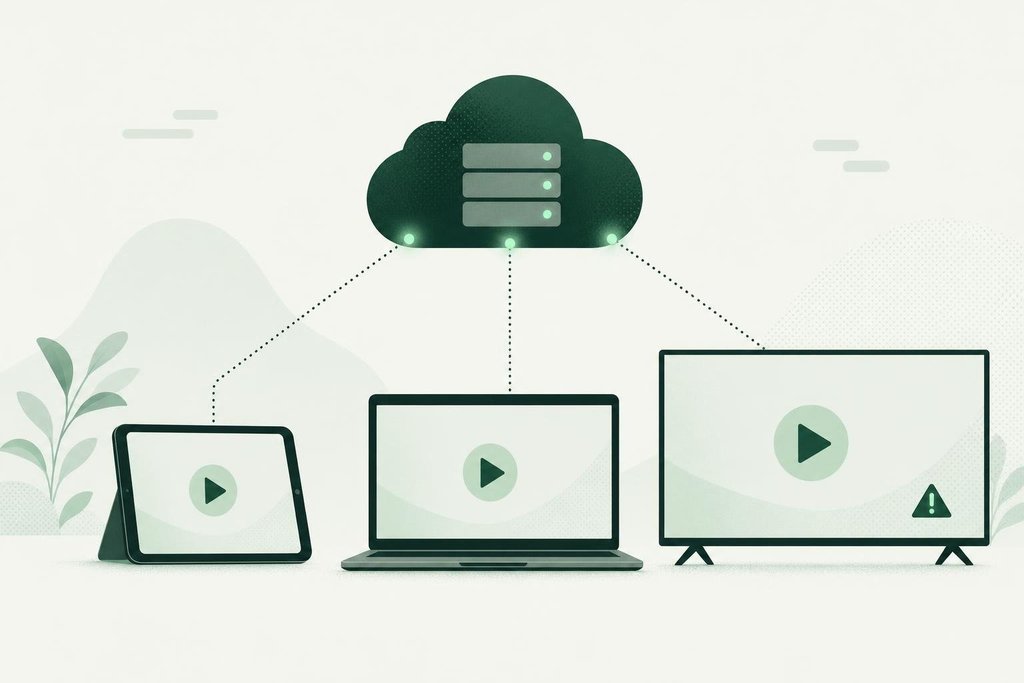
Paramount+ is the streaming service of Paramount, the company behind CBS, Paramount Pictures, Nickelodeon, Comedy Central and MTV. In the US it also carries CBS live, NFL games on CBS and European club football. When it stalls, you want to know quickly: is Paramount Plus down, or is the fault on your TV, phone or network?
The check above requests paramountplus.com from a server outside your home and shows the status code, response time, redirects and certificate. That separates a service-wide failure from a local one in a few seconds.
Is Paramount Plus down today or only for you?
A problem today does not always mean a problem for everyone today. Read the verdict first. Unreachable or slow means the problem sits with the service or the route to it, and changing settings at home will not help. In that case Paramount Plus down for you is likely Paramount Plus down for many people.
Reachable means the site answers, so a total outage is unlikely. The cause is more often one of these:
- the app on one device is stuck or out of date
- your account was signed out after a password or plan change
- your network, VPN or location does not match the catalog you expect
- the live stream is under heavy load while on-demand titles still play
A quick cross-test settles most cases. Open paramountplus.com in a private browser window on a computer. If it plays there, your account is fine and the problem is the device app. If it fails in the browser too, and the check above is green, try your phone on mobile data. When the phone streams on cellular and the home Wi-Fi does not, the router or your provider is to blame.
When you are still asking whether Paramount Plus is down after these tests, look at the scope. One title failing is a stream problem. Every title failing on every device, while the check is slow or red, is the clearest sign that the answer to is Paramount Plus down is yes.
Paramount Plus not working: steps that fix most cases
- Confirm with the check
If paramountplus.com does not answer, the issue is not yours. Wait and retry instead of reinstalling.
- Close the app fully
On Fire TV and Android TV, open the app settings and choose Force stop. On Apple TV, double-press the TV button and swipe the app up.
- Power-cycle the streaming device
Unplug the TV, stick or console for a full minute. This clears memory that sleep mode keeps.
- Re-activate the TV app
Sign out, then sign in again. TV apps show a code to enter on a phone or computer, which links the device to your account.
- Allow location on phones
Live CBS in the US needs location access. Without it, the live tab may stay empty.
- Remove and reinstall
A fresh install fixes damaged app data that a normal update leaves behind.
Paramount+ issues and what they usually mean
| What you see | Likely cause | What to try |
|---|---|---|
| Error message on play, other titles fine | Licensing or a single bad stream | Try another title, then retry later |
| Live TV tab empty or blank | Location access off or plan without live TV | Allow location, check the plan |
| Constant buffering | Slow Wi-Fi or heavy load during live sport | Lower the quality, move closer to the router |
| Asked to activate the TV again | Session expired after an account change | Sign in again with the code on screen |
| Content missing abroad | Different Paramount+ catalog in that country | Nothing to fix; rights differ by market |
Paramount+ error screens often include a number. Note it before you restart. If the same code appears on two different devices, the account or the service is the likeliest source, and the help center is the right next step.
Why Paramount+ issues pile up on certain days
Sunday afternoons in the NFL season are the busiest hours for Paramount+ in the US, with many games starting at the same time. Champions League match nights in Europe, finales of big shows and the start of a new season of a popular series add similar spikes. During those windows you may see slow sign-in, long loading on the first frame of a stream or a drop to low picture quality. Paramount Plus not working only at kickoff, and fine an hour later, is the typical pattern of load rather than a broken setup.
Paramount itself merged with Skydance in 2025. Corporate changes like this can bring new sign-in screens, plan names and app versions over time. When the app suddenly looks different and starts failing, an update from the app store is the first thing to install.
Official Paramount+ help
- Paramount+ Help Centerhelp.paramountplus.com
- Paramount+ on X@paramountplus
Questions about Paramount+
Why is Paramount Plus not working when the check shows it as reachable?
The check confirms that paramountplus.com answers. Playback depends on more than that: the sign-in service, the licence check for each title and the video stream all have to work too. A reachable result with a failing app usually means the app, the device or your connection needs attention. Force-close the app, restart the device and try again.
Why does Paramount+ show a different catalog in another country?
Paramount+ runs separate versions in the US, the UK, Canada, Australia and other markets, each with its own licensing deals. Some shows are in one version and not another. When you travel or use a VPN, the app may show the local catalog or refuse to play. That is a rights limit, not an outage.
Why can't I watch my local CBS station live on Paramount+?
In the US, the live CBS feed depends on your location and on the plan you pay for. The app needs location permission on phones, and some plans do not include live local channels. Check the plan on the account page and allow location access before assuming the live feed is down.
Is Paramount Plus down during NFL games?
Big games bring the heaviest traffic, and sign-in or stream start can slow down in the minutes before kickoff. That is not always a full outage. Run the check: if the site answers but the game will not start, wait a minute and retry, lower the playback quality, or sign in a few minutes before the game begins.
Why do I keep getting signed out of Paramount+?
Sessions end after a password change, a plan change or a failed payment. Some TV apps also lose their sign-in after a system update. Sign in on the website, confirm the subscription is active on the account page, then activate the TV app again with the code it shows on screen.
I pay for Paramount+ through Amazon, Apple or Roku. Where do I fix billing?
When you subscribe through another company, that company handles the payment. Billing problems, renewals and cancellations are managed in your Amazon, Apple, Google or Roku account rather than on paramountplus.com. The streaming itself still comes from Paramount+, so outages affect you the same way.
How long do Paramount+ issues usually last?
There is no set length, and many incidents affect only one feature, such as live TV or the app on a single platform. Run the check every few minutes and watch the official Paramount+ account on X. When the site answers normally again, close and reopen the app so it starts a fresh session.